Save up to 20% today!
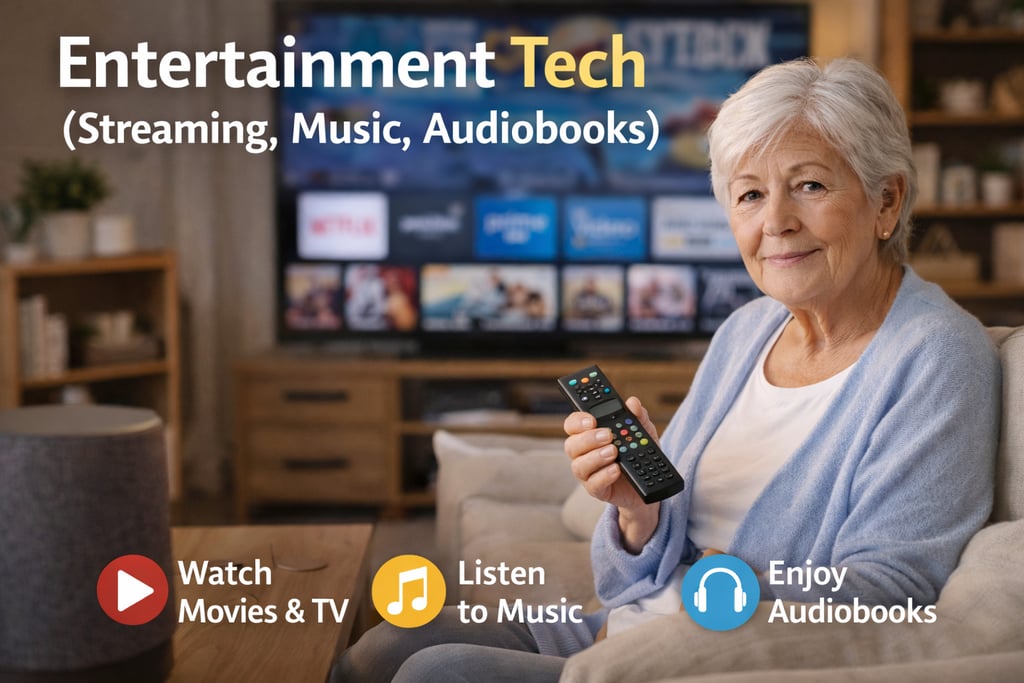
Entertainment Tech (Streaming, Music, Audiobooks)
Simple ways to enjoy movies, music, and books—without confusing menus or complicated setup.
TECHNOLOGY
Red Rhyder
2/27/20262 min read
Entertainment Tech (Streaming, Music, Audiobooks)
Entertainment technology can make life more enjoyable—especially when it’s easy to use. Today, you can watch classic movies, listen to your favorite songs, and enjoy audiobooks anytime, often with just a few taps or a simple voice command.
This guide will help you choose senior-friendly options for streaming TV, music, and audiobooks, plus easy tips to make everything simpler.
Streaming TV: Watch What You Want, When You Want
What “streaming” means (simple explanation)
Streaming is watching TV shows and movies over the internet instead of using cable. You can stream on many devices including a:
Smart TV
Streaming device (plug-in)
Tablet or phone
Computer
Easy streaming devices for seniors
If your TV isn’t “smart” or the menus are confusing, a streaming device can help. Many seniors like them because they are:
Simple
Fast
Easy to restart and update
Look for:
A remote with big buttons
A home screen that isn’t cluttered
Voice search (so you can say the movie name)
Tips to make streaming easier
Save your favorites so you don’t search every time.
Turn on closed captions if you want clearer dialogue.
Use one main app at first (don’t download too many).
If your TV sound is low, consider a soundbar (easy volume boost).
Music: Enjoy Your Favorites Anytime
Simple ways to listen
You can listen to music using:
A smart speaker (voice-controlled)
A phone/tablet app
A computer
A car system
Smart speakers are great for seniors
Devices like smart speakers are popular because you can say:
“Play Frank Sinatra”
“Play relaxing music”
“Turn volume up”
No tiny buttons. No searching.
Good features to look for:
Clear sound
Easy volume controls
Voice commands
Ability to make it louder without distortion
Tips to keep music simple
Create a short list of favorite artists
Use a “playlist” you can reuse (morning music, relaxing music, etc.)
If you don’t like voice assistants, use a Bluetooth speaker with one button for play/pause
Audiobooks: Enjoy Books Without Eye Strain
Audiobooks are perfect if you:
Prefer listening while resting
Have eye strain or vision changes
Like reading but want something easier
Where audiobooks come from
You can get audiobooks from:
Library apps (often free)
Subscription services
Purchases on a phone/tablet
Best devices for audiobooks
Phone or tablet with headphones
Smart speaker (voice-controlled listening)
E-reader/tablet (some have audiobook support)
Tips to make audiobooks enjoyable
Increase the font size in the app (easier menus)
Adjust playback speed (many people like 1.0–1.2x)
Use a sleep timer if you listen at night
Bookmark chapters so you don’t lose your place
Easy Setup Checklist (Senior-Friendly)
If you’re setting up entertainment tech at home, try this checklist:
✅ Reliable Wi-Fi (streaming works best with strong internet)
✅ One simple remote or one main device
✅ Saved passwords in a safe place (or a password manager)
✅ Volume solution (soundbar or headphones)
✅ Closed captions turned on if helpful
Common Frustrations (and Simple Fixes)
“There are too many apps.”
Start with just one streaming app and one music or audiobook app.
“I forget where I left off.”
Use Continue Watching for TV, and Bookmarks for audiobooks.
“The sound isn’t clear.”
Try:
Closed captions
A soundbar
Headphones (even inexpensive ones can help)
“The remote is confusing.”
Look for a device with:
A simple home screen
Fewer buttons
Voice search
A Simple Way to Get Started
If you want the easiest approach:
Streaming: Choose one device and one streaming app
Music: Try a smart speaker for voice-controlled listening
Books: Start with one audiobook app and a sleep timer
Entertainment tech should feel relaxing—not stressful. Once it’s set up simply, it can become one of the best parts of the day.
Elderly Care Info
Reliable information and practical solutions for dignified senior care.
Contact
Newsletter
info@elderlycareinfo.com
© 2026. All rights reserved.